Unmasking the Browser: The Fingerprint Trail You Didn't Know You Had
Browser fingerprinting is a stealthy web tracker. Learn how it works, its risks, and how to protect your privacy online.
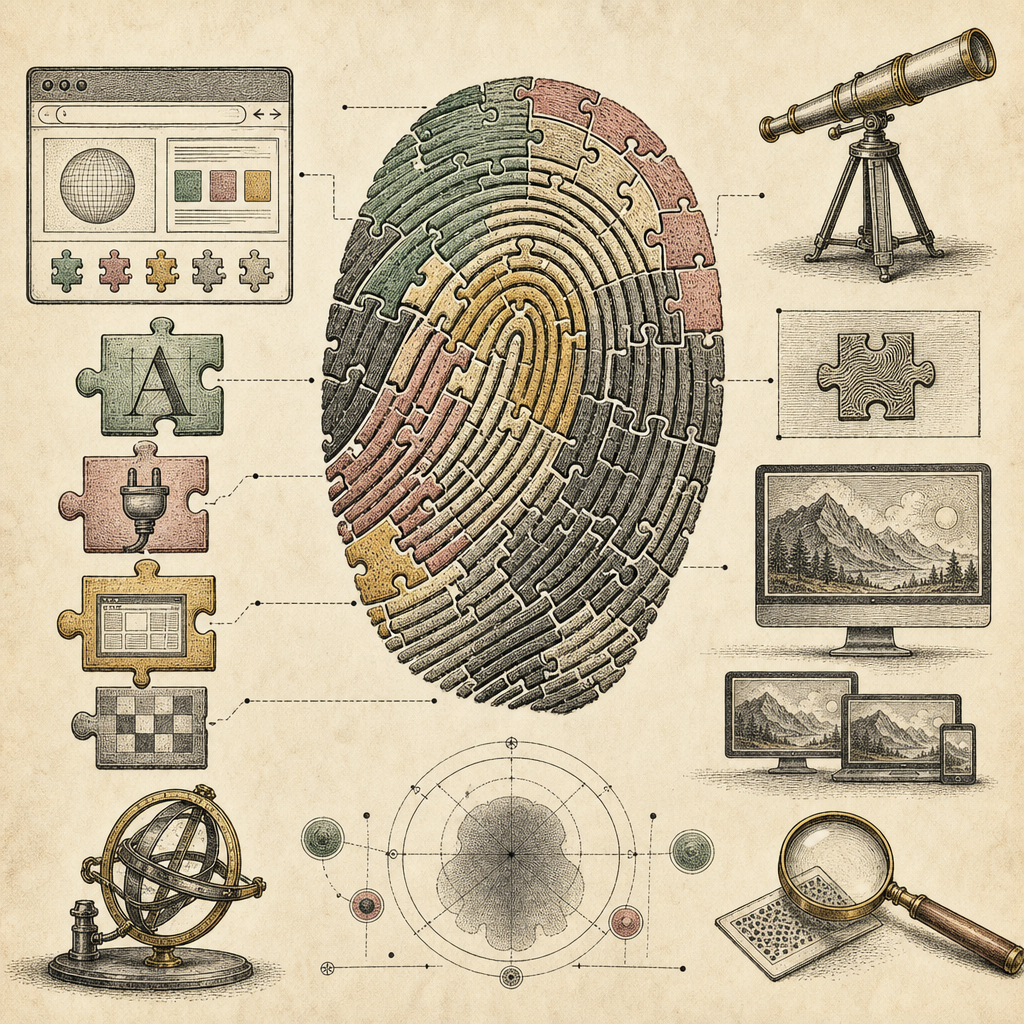
Imagine walking into a party wearing a distinctively odd hat. Everyone recognizes you instantly because no one else dares to sport such an accessory. Similarly, when you browse the internet, your browser configurations, plugins, and even your system fonts collectively create a unique ‘hat’ for you - this is called browser fingerprinting.
The Devil Is in the Details: How Fingerprinting Works
Browser fingerprinting is the art of gathering bits of data from your browser settings, ranging from screen resolution to installed fonts, to create a profile as unique as a snowflake. Websites use this data to track your online activities without needing to rely on cookies. Sneaky, isn’t it?
Behind the Curtain: What Data Is Gathered?
When you visit a webpage, your browser shares a trove of clues. Here are some of the usual suspects:
- Operating system and browser type
- Language and time zone
- Installed plugins and fonts
- Screen resolution and color depth
- Hardware information
Add these up, and you’ve got a digital fingerprint that’s almost as hard to alter as a real one.
The Privacy Dilemma: Risks of Being Tracked
The bright side: fingerprinting isn’t all bad. It helps websites tailor experiences, like ensuring you see content in your language or correctly formatted for your device. However, the dark side looms larger.
Browser fingerprinting bypasses traditional tracking mechanisms, meaning your online anonymity is at risk. Companies can compile detailed profiles without your explicit consent, potentially exposing you to targeted ads, price discrimination, or even data theft if the information falls into the wrong hands.
Tools for the Vigilant: Protecting Your Digital Identity
Want to dodge the prying eyes? Here are some effective strategies:
Browser Extensions to the Rescue
Some extensions can help obscure or randomize the information your browser reveals. This is like wearing a digital disguise. Remember, though, that some websites might block access when they detect these tools.
Strengthen Your Security Armor
Use our Password Strength Checker to ensure your passwords are as robust as adamantium. Regularly updating and varying them can also help protect against other forms of tracking and intrusion.
Network Insights with IP and DNS Tools
Employ the IP Address Lookup and DNS Lookup to understand more about your internet connection. Recognizing strange activity can be the first step in safeguarding your privacy.
Stay Informed, Stay Safe
As the digital world evolves, being aware of the tools and techniques that impact our privacy is crucial. Fingerprinting is just one piece of the vast online tracking puzzle.
For a deeper dive into how these methods are utilized and how to stay a step ahead, check out resources like NIST’s guide on browser security for expert insights.
The Final Word
It’s a wild web out there, but with the right knowledge and tools, you can surf safely. Remember, my friend, the internet may be watching, but that doesn’t mean you have to make it easy.
Feeling curious to explore more tools that can bolster your online security? Head over to b2kit.com and arm yourself against the invisible threats of the web.