Browser Fingerprinting: The Digital Detective Game
Unveil the art of browser fingerprinting, where your browser pieces together a digital profile. Learn to shield your online identity now.
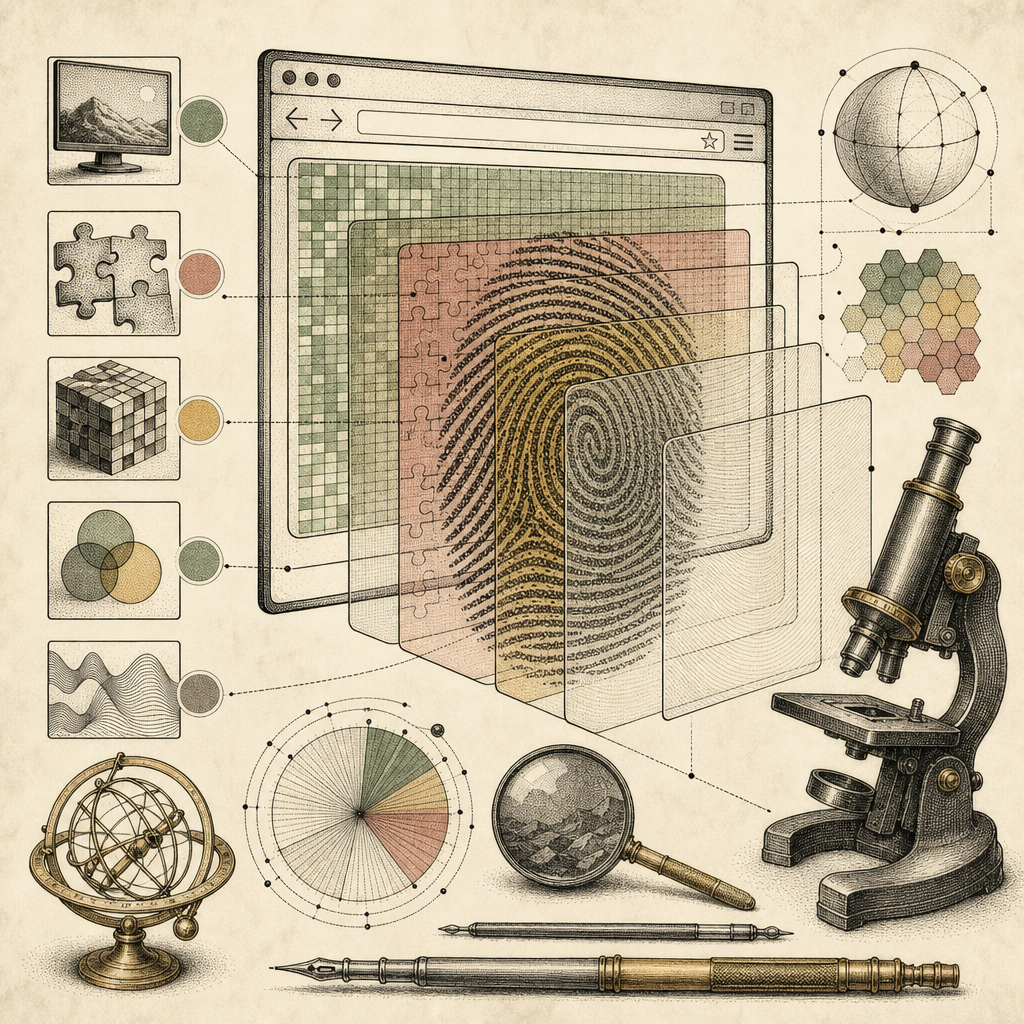
Picture this: You’re innocently browsing online, checking out the latest cat memes and occasionally shopping for socks that look like avocados. Little do you know, your browser is working overtime, piecing together a digital profile of you that’s more detailed than a noir detective’s dossier. This, my friend, is the world of browser fingerprinting, where your online persona is scrutinized and cataloged, sometimes without you even realizing it.
A Closer Look at the Invisible Fingerprints
Every time you visit a site, your browser leaves behind little traces of your digital self. Think of it as a breadcrumb trail online - only it’s made of cookies, user agent strings, screen resolutions, and other technical tidbits. These elements combine to form a unique fingerprint that sets you apart from the rest of the 5 billion internet users.
Why should you care? Because even if you clear your cookies or use incognito mode, your fingerprint can be tracked across different websites, making it a potent tool for advertisers looking to target their ads more effectively. With tools like the IP Address Lookup and HTTP Header Analyzer, you can start to see just how much information is up for grabs.
The Mighty Browser Detective Kit
Imagine your browser as a detective equipped with a magnifying glass. It’s collecting data on everything: your preferred language, your time zone, the plugins you use, even your device’s battery status. Each of these factors might seem trivial, but together, they create a pretty comprehensive profile of who you are (or at least, who your browser thinks you are).
Want to stay one step ahead of this detective? Consider using the SSL Chain Viewer to ensure your connections are secure, or dive into understanding which aspects of your browser are most trackable. Educating yourself is the first step in guarding your online identity.
Decoding the Technical Puzzle
Browser fingerprinting isn’t just about what’s visible. It’s a sophisticated puzzle involving JavaScript, CSS, and a sprinkle of web magic. By using different APIs and system calls, data is gathered non-intrusively, leaving you unaware as your fingerprint is quietly crafted.
This process is much like a game where the goal is to construct your profile as accurately as possible, often for advertising purposes. But, as with any game, knowing the rules can help you win. Become familiar with technologies such as Base64 Encoder/Decoder for understanding data encoding, a common piece in this puzzle.
The Privacy Fortress: How to Shield Your Identity
Feeling a little exposed? Fear not! There are ways to shield your digital identity from unwanted scrutiny. Start by tweaking your browser settings - disable unnecessary plugins, use privacy-focused browsers, and consider tools like the AES Encryption Tool to secure your data.
Moreover, staying informed is key. Regularly check for updates on privacy laws and digital rights. Explore resources such as OWASP’s guidance on fingerprinting for strategies on protecting your browsing habits.
Playing Defense in the Browser Game
Ultimately, protecting your online identity involves staying one step ahead in this digital detective game. Equip yourself with knowledge, leverage the right tools, and don’t be afraid to dive into the technical details. A little awareness can go a long way in keeping your online persona under wraps.
So, the next time you’re browsing the web, keep in mind that while your browser might be a diligent detective, you’re the mastermind who can control the narrative. For more insights and tools to enhance your digital privacy, explore the wide array of resources available on b2kit.com.