QR Codes in Business: Tiny Squares, Big Results
Use QR codes in business to connect packaging, payments, menus, events, and analytics with simple browser-based tools.
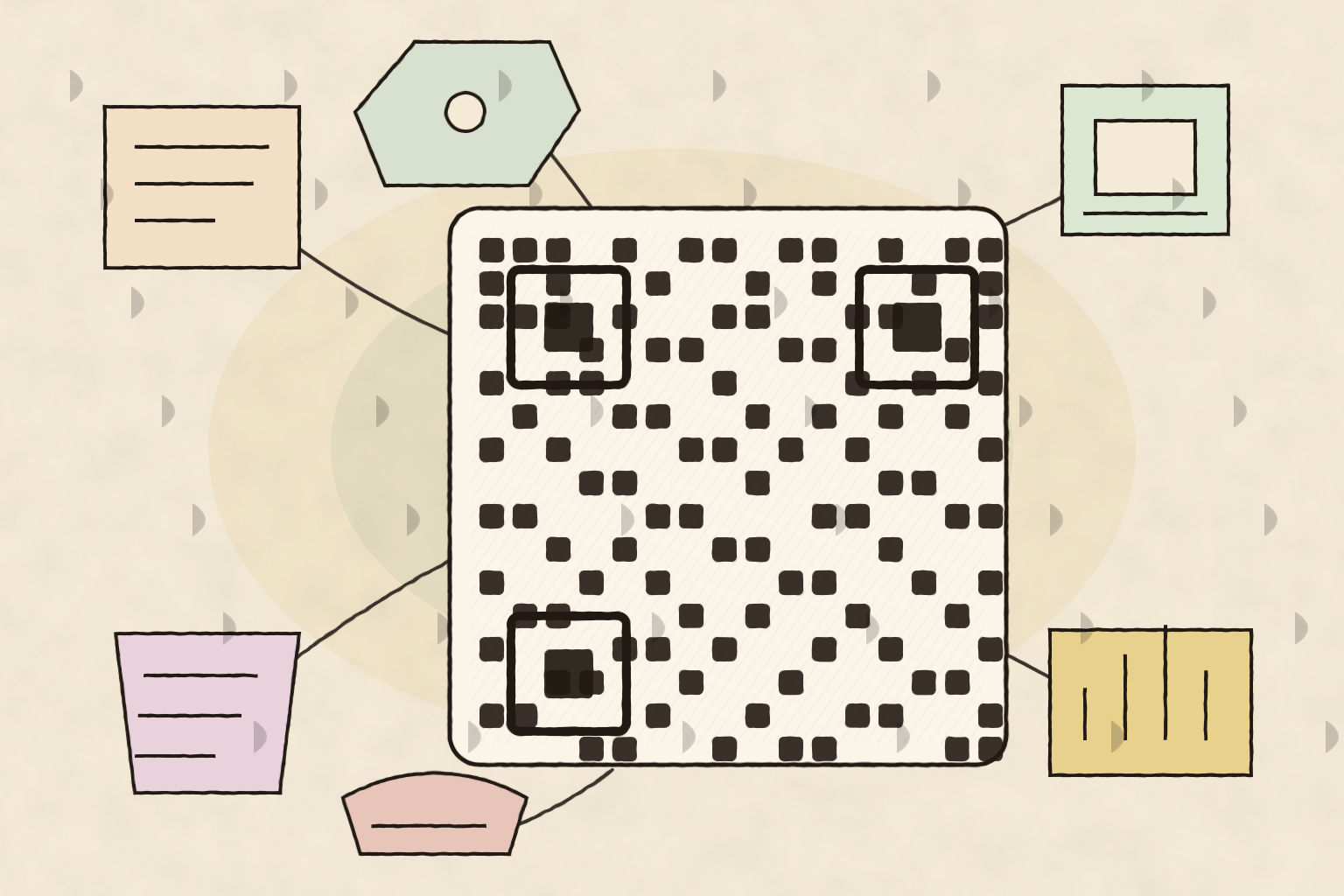
QR codes in business used to feel like a novelty: a little square printed on a poster, quietly hoping someone would notice it. Now they are closer to digital doorways. One scan can open a menu, prefill a payment page, launch a signup form, share a coupon, route a support request, or connect a printed package to a live product guide.
The reason they work is simple. QR codes remove typing. That sounds small until you remember how many customer journeys die because someone had to copy a long URL from a flyer, squint at a receipt, or search for the right page later. A scan turns a physical moment into an online action while the customer still cares.
QR Codes in Business Work Best When the Job Is Specific
The strongest QR code has one job. Not five jobs. Not a vague invitation to “learn more.” One clear next step.
A bakery might put a code on a cake box that opens reheating instructions. A contractor might put one on an invoice that opens a payment page. A conference organizer might add one to a badge that opens the attendee schedule. A retailer might place one beside a product shelf that opens size charts, warranty details, or a comparison guide.
The weak version sends every scan to the homepage. That usually wastes the scan. People do not scan because they want to browse your navigation. They scan because the code promised a shortcut.
Good QR code destinations usually answer one of these questions:
- What should I do next?
- What detail do I need right now?
- How do I pay, book, join, save, or share this?
- What proof, instructions, or support page belongs to this object?
Before printing anything, create the destination first. Then use a QR Code Generator to turn that exact page into a code. The code is only as useful as the page behind it.
Tiny Squares Can Rescue Messy Offline Workflows
Printed materials are static. Business operations are not. Prices change, forms get updated, policies shift, inventory moves, and support instructions improve. QR codes give physical materials a flexible layer without reprinting everything every week.
Think about a service business that leaves behind a printed maintenance checklist. The checklist can include a QR code to a living support page with updated photos, seasonal advice, replacement part links, and contact options. The paper stays simple. The web page stays current.
Restaurants, clinics, gyms, schools, venues, repair shops, real estate teams, and local service providers all run into the same problem: the customer sees something offline but needs the latest online information. QR codes bridge that gap cleanly.
They are also useful behind the counter. Internal QR codes can point staff to training videos, inventory forms, opening checklists, equipment logs, incident reports, or shared templates. Not every QR code needs to face the public. Some of the best ones quietly save staff from searching through folders.
QR Code Marketing Needs a Better Destination Than a Homepage
QR code marketing gets interesting when the destination matches the context. A code on a postcard should not behave like a code on a receipt. A code on product packaging should not behave like a code on a booth banner.
The context tells you what the visitor probably wants:
- A receipt scan often means payment, returns, warranty, loyalty points, or feedback.
- A packaging scan often means instructions, safety notes, refills, recipes, or registration.
- An event scan often means schedules, maps, lead capture, or downloadable files.
- A storefront scan often means hours, booking, waitlists, menus, or promotions.
If you are sending people to a landing page, check how the link will look when it is shared in messages or social apps. A Link Preview Generator helps verify titles, descriptions, and preview images before the code goes into print.
The unglamorous details matter too. If your URL includes spaces, tracking parameters, coupon codes, or prefilled form values, clean it up with a URL Encoder Decoder before generating the code. Broken parameters make a perfect-looking code send people to the wrong place.
Design the Code for Real-World Scanning
QR codes are practical, but they are not magic. A code printed too small, placed on a curved surface, hidden in glare, or surrounded by visual clutter can fail at the exact moment it needs to work.
Use these basic rules before publishing:
- Keep enough white space around the code.
- Make the printed code large enough for the expected scanning distance.
- Use strong contrast between the code and background.
- Test it with more than one phone.
- Test it in the real environment: on the package, poster, counter, window, or receipt.
- Avoid placing codes where people have to block traffic or feel awkward scanning.
For general technical background, the QR code overview on Wikipedia is a useful starting point, especially if you want to understand error correction and why some codes keep working even when a corner is damaged.
Track the Outcome, Not Just the Scan
A scan is not the finish line. It is the start of the digital part of the journey.
If a code opens a booking page, the useful metric is booked appointments. If it opens a coupon, the useful metric is redemptions. If it opens documentation, the useful metric might be fewer support tickets. If it opens an event form, the useful metric is completed submissions.
This is where many QR campaigns get fuzzy. They count scans, then stop. Scans tell you whether the code was noticed. They do not tell you whether the experience worked.
A better workflow looks like this:
- Pick one goal for the code.
- Send the code to a page built for that goal.
- Use a clean, trackable URL.
- Test the scan before printing.
- Review the outcome after the campaign or workflow runs.
That simple loop turns QR codes from decoration into infrastructure. They become small, cheap connectors between the physical things your business already uses and the digital actions you want customers or staff to take.
The Best QR Code Is Boring in the Right Way
The perfect QR code does not need to impress anyone. It needs to scan quickly, explain itself clearly, and land on a page that does exactly what the situation calls for.
Use QR codes in business when the customer is holding something, standing somewhere, reading something, or waiting for something, and a direct digital next step would save time. Generate the code, test the destination, print it with enough breathing room, and keep the page behind it useful.
Small squares can do big work when they are treated like workflow tools instead of stickers.