Mobile-First Design: Unlock the Psychology of Small Screens
Explore mobile-first design and unlock its psychology to enhance UX. Discover key strategies and tools in our engaging, witty guide.
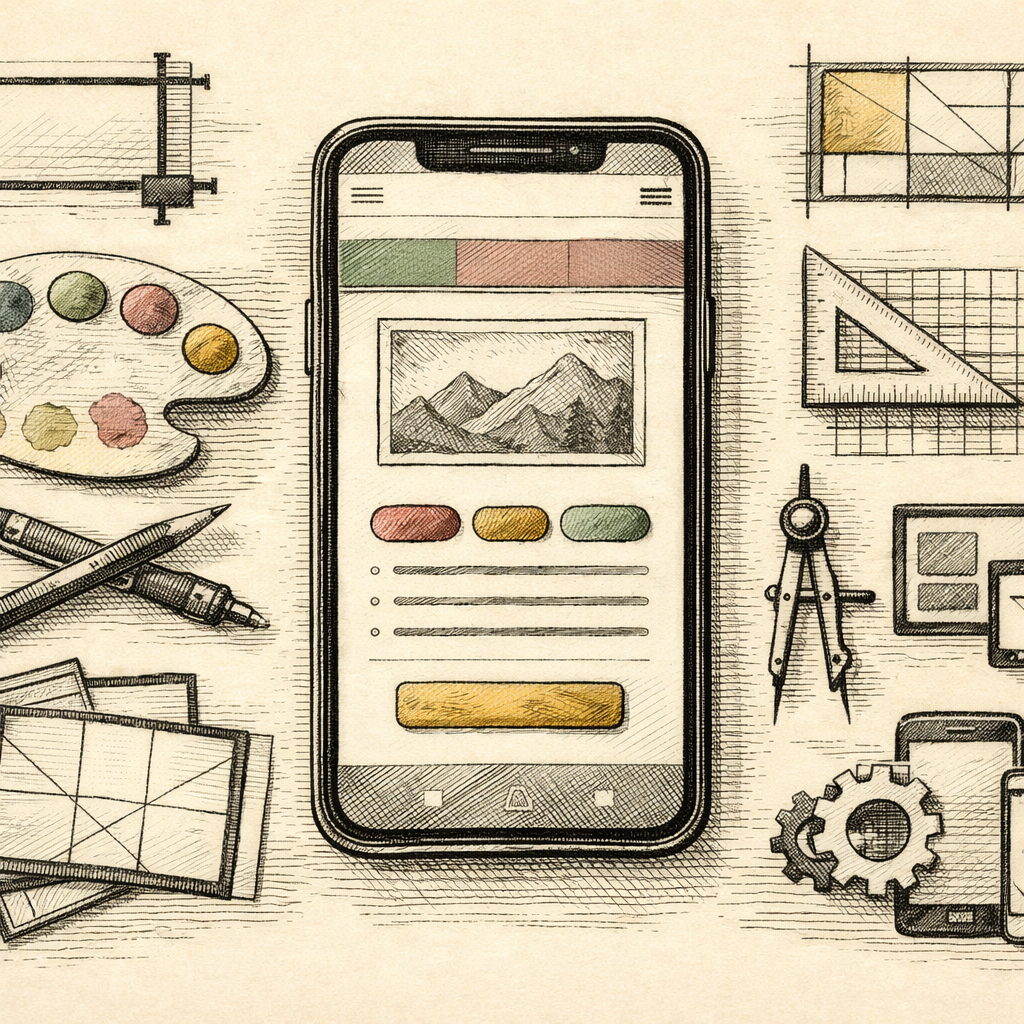
Picture this: You’re at a crowded coffee shop, balancing a latte in one hand while scrolling through your phone with the other. Amidst this caffeinated chaos, you stumble upon a website that refuses to fit your screen. Frustrating, right? Welcome to the nightmare that is poor mobile design. Mobile-first design isn’t just a buzzword-it’s a survival strategy in the digital jungle, where user experience reigns supreme.
The User is King: Understanding Mobile-First Design
In today’s world, more people access the internet via their mobile devices than on desktops. Numbers don’t lie-over 55% of global web traffic comes from smartphones. Mobile-first design focuses on creating a seamless user experience on smaller screens, prioritizing key content and functionality. But it’s not just about squeezing content into a tiny frame; it’s about understanding how users interact with their devices.
The Psychology of Small Screens
Consider this: mobile users are like impatient sprinters. They’re quick, have a short attention span, and demand efficiency. If your website takes longer than 3 seconds to load, you’re already losing potential customers. Mobile-first design anticipates this behavior, ensuring content is concise, interactive, and visually appealing. Dive deep into the realm of responsive design to keep those users engaged.
Simplicity is Sexy
When it comes to mobile-first design, less is more. Small screens naturally limit space, making it imperative to prioritize clarity and simplicity. Use tools like the Aspect Ratio Calculator to maintain visual balance, ensuring your images and videos are perfectly displayed without overwhelming the user. Remember, a cluttered design is the digital equivalent of a chaotic junk drawer-hard to navigate and easy to ignore.
Touch, Don’t Tap Dance
Your users are tapping, swiping, and pinching their way through your content, so design with these gestures in mind. Buttons should be thumb-friendly, with ample space to avoid accidental clicks. Use the CSS Grid Generator to strategically layout your content, guiding users smoothly through your site. Think of it like arranging a party: you want guests to effortlessly flow from appetizers to dessert, without stepping on each other’s toes.
Color and Contrast: A Visual Symphony
Color isn’t just about aesthetics-it’s a powerful tool that guides user behavior and evokes emotions. In mobile-first design, ensure color choices enhance readability and accessibility. Tools like the Accessible Color Generator can help you choose color combinations that are both striking and user-friendly. Contrast is key for readability, especially on screens viewed in varying light conditions.
Embrace the Mobile-First Mindset
Adopting a mobile-first design strategy is more than a trend-it’s a necessity. By focusing on user experience and leveraging the right tools, you can create websites that are visually compelling and highly functional on any device. Need some more guidance? The External Guide to Mobile Design by MDN Web Docs offers a wealth of information.
Explore these tools on b2KIT, and see how a well-executed mobile-first approach can transform your digital presence. Trust me, once you master these principles, you’ll wonder how you ever lived without them.