Deciphering File Formats: The Ultimate Guide to Compatibility
Unlock file format mysteries! Learn why compatibility matters, how it simplifies digital tasks, and discover tools to streamline your workflow.
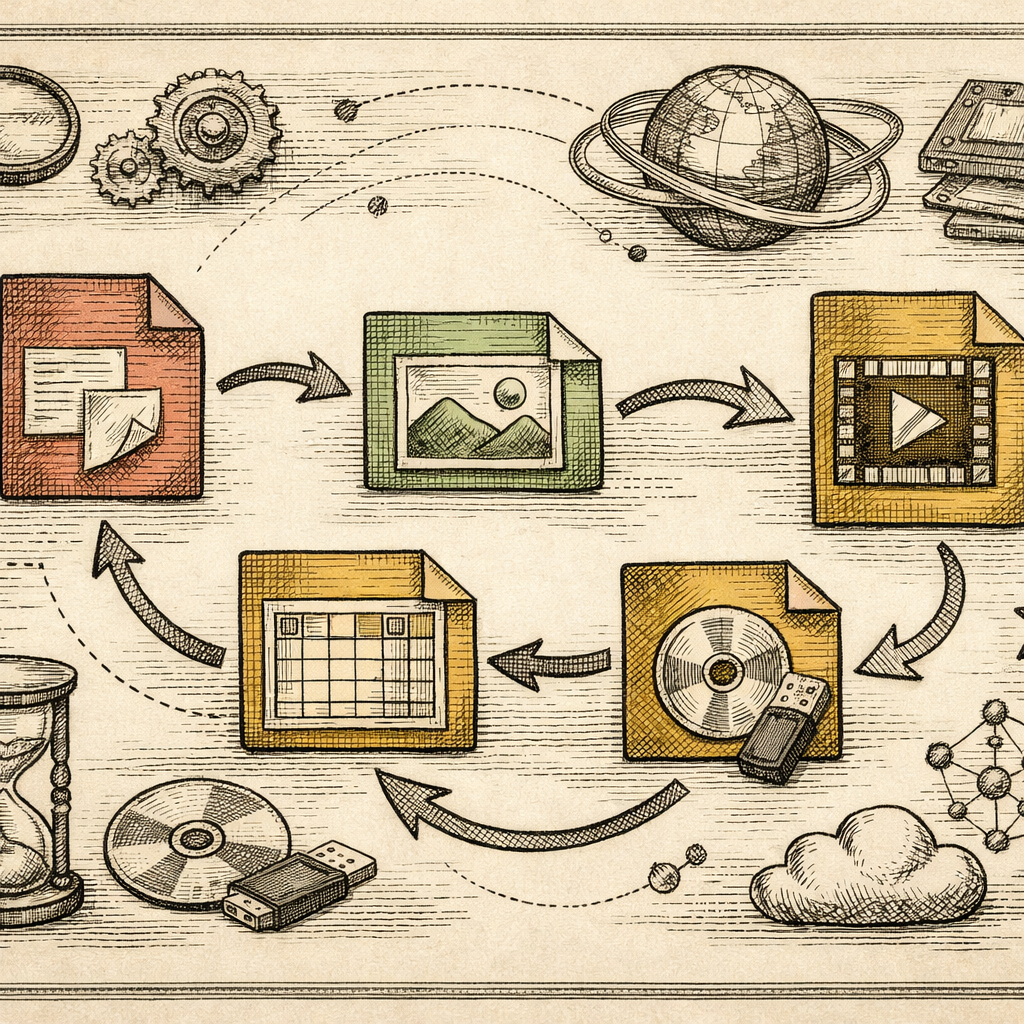
The Unexpected Language Barrier of Files
Imagine you’re about to give a career-defining presentation. Your slides are polished, you’ve rehearsed your points, and the confidence is flowing. Then, horror strikes as your file refuses to open on the conference’s ancient computer setup. It’s as if your PowerPoint is speaking a language no one else at the party understands. Welcome to the bewildering world of file format incompatibility.
Why Compatibility is Crucial
File compatibility might sound like tech jargon, but it’s as vital as a translator in a multi-national meeting. File formats dictate how data is encoded and stored. Incompatible formats can turn a seamless workflow into a digital disaster, causing delays and frustrations. According to a survey, 68% of professionals have encountered file incompatibility issues. That’s like 7 out of 10 people showing up to a swim meet with skis.
The Puzzle of File Extensions
File extensions might seem like those tiny, innocuous things at the end of a file name, but they hold the key to deciphering your documents. Whether it’s .jpg, .pdf, or .xls, these extensions tell your software how to interpret the data. But beware! Not all extensions are created equal. Converting files incorrectly can result in lost data or, worse, a mangled mess. Use File Converter to avoid such chaos by seamlessly transitioning from one format to another.
When and Why to Convert
Not every file needs conversion, but there are strategic moments when it’s beneficial. Say you’re sending a high-resolution image, but the recipient’s email client prefers a compressed format. Enter the Image Compressor, which ensures your images remain intact without overwhelming inboxes. Or perhaps you need to edit a PDF but only have Word. Fear not! With PDF Merger, you can integrate files without pulling out your hair.
Mastering Cross-Platform Workflows
In an age where work happens everywhere from a bustling café to a quiet corner of your living room, cross-platform compatibility is king. This means ensuring your files play nice on PCs, Macs, tablets, or whatever else you might throw into the mix. A Piece of Research highlights that choosing the right file format can enhance visual consistency across devices, making you the star of every tech ensemble.
Practical Takeaways
- Know Your Tools: Keep handy tools like File Converter and Image Compressor bookmarked for easy access.
- Backup to Versatile Formats: Always save important documents in universal formats such as PDF for maximum compatibility.
- Test Before You Go Live: Run a trial with different software and devices to ensure compatibility, much like trying on a suit before the big day.
Your Files Deserve Better
Whether you’re a seasoned IT pro or an everyday user, understanding and managing file formats can transform your workflow like a well-oiled machine. Think of b2KIT as your digital Swiss Army knife, with every tool you need to conquer the complexities of file compatibility.
Before you dive into the chaos of converting or compressing files, take a breather at b2kit.com. Explore our suite of tools that promise to make your digital journey as smooth as possible.