Dark Mode Design: Beyond Just Aesthetic Appeal
Explore dark mode design's impact on user experience and accessibility. Learn how to leverage it effectively with b2KIT's free tools.
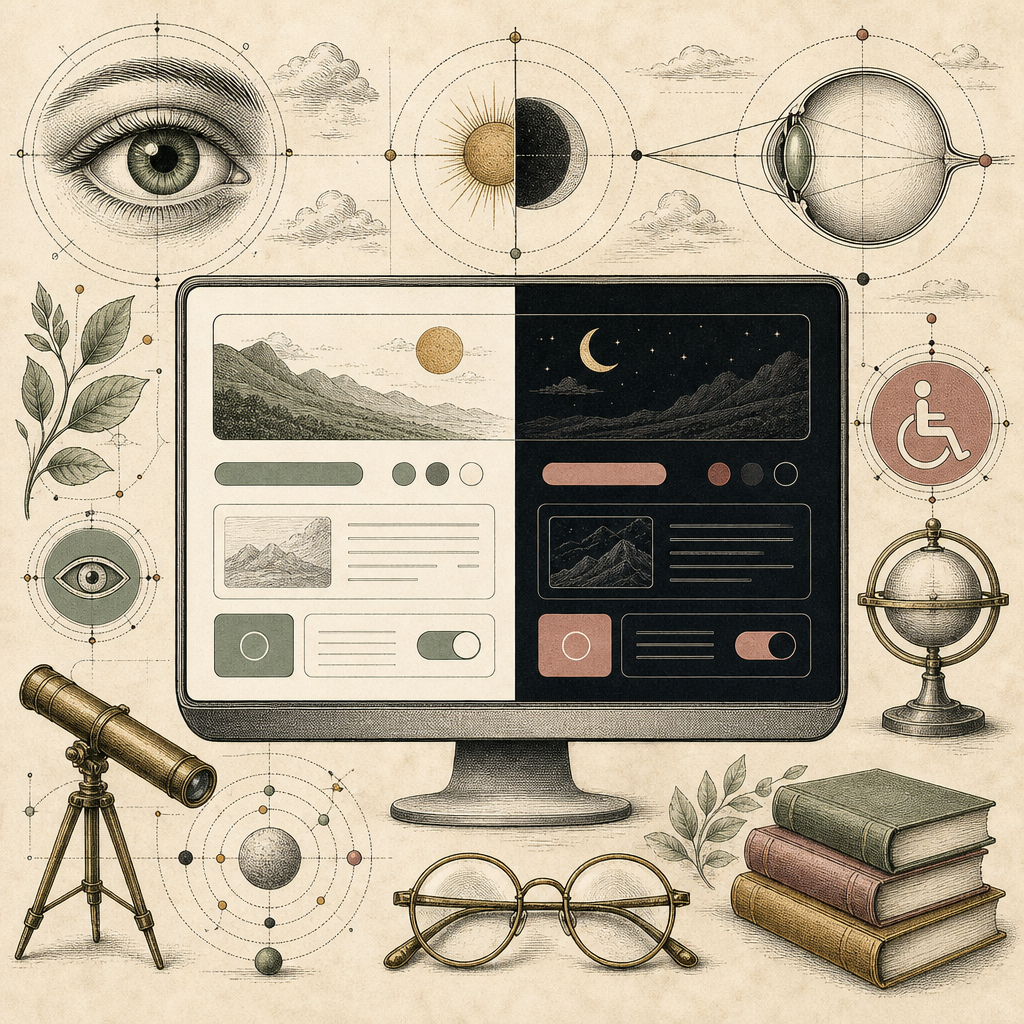
Imagine walking into a room filled with glaring lights, causing your eyes to squint and your head to spin. Now, imagine the opposite - the room dims to perfection, and everything appears in soothing shades of midnight blue and charcoal. Welcome to the world of dark mode design. As of 2023, over 70% of smartphone users have embraced dark mode, transforming how we interact with digital content.
The Allure of Dark Mode: More Than Just a Pretty Face
Dark mode design isn’t just a passing trend; it’s a significant shift in how we approach visual hierarchy and readability. When you switch your interface to dark mode, you’re not merely opting for a chic color scheme - you’re choosing a path that can reduce eye strain, save battery life, and even enhance accessibility for those with visual impairments. But how does one effectively design for dark mode? Enter Color Palette Generator, a tool that helps you craft harmonious dark mode palettes effortlessly.
The Science of Light and Dark: How Our Eyes Adapt
The science behind dark mode’s popularity is rooted in our natural preference for lower light conditions when staring at screens for extended periods. The rods in our eyes are more sensitive to light, making bright screens under low ambient lighting a cause of eye fatigue. Want to test your designs for such conditions? Use the Color Blindness Simulator to see if your dark mode designs are universally accessible.
From Aesthetic to Accessibility: Designing for All
Dark mode isn’t just about aesthetics; it’s about inclusivity. For individuals with light sensitivity or certain visual impairments, high-contrast themes can make all the difference in usability. Using Accessible Color Generator ensures that your dark mode designs meet the necessary contrast ratios for readability and compliance with accessibility standards like WCAG.
Here are a few tips to enhance accessibility in dark mode:
- Ensure sufficient contrast between text and background.
- Use colors that remain distinguishable for color-blind users.
- Avoid pure black, which can lead to ghosting on OLED screens.
The Technical Side: Coding Dark Mode Designs
Implementing dark mode isn’t just about choosing colors; it’s about understanding CSS properties and design patterns. A CSS Grid Generator can be your best friend in structuring your dark mode layout logically. Crafting a seamless transition from light to dark mode requires more than just a simple toggle - it demands thoughtful design decisions and testing across various devices.
Testing in the Dark: Ensuring a Seamless Experience
Testing is crucial in any design process, and dark mode is no different. Use your favorite browsers’ developer tools to test and tweak your designs. And if you’re aiming for that sleek, polished look, try the Glassmorphism Generator to add subtle depth without overpowering the user.
In conclusion, while dark mode design may seem like a trendy aesthetic choice, it’s rooted deeply in enhancing user experience and accessibility. If you haven’t already, it’s time to dive into the dark side - not as an afterthought but as a core component of your design strategy. Explore these tools on b2kit.com to elevate your dark mode designs to professional standards.