Mastering Dark Mode: Design Tips and Tools
Explore dark mode design secrets to enhance UI/UX. Learn practical tips and tools for effective dark theme creation.
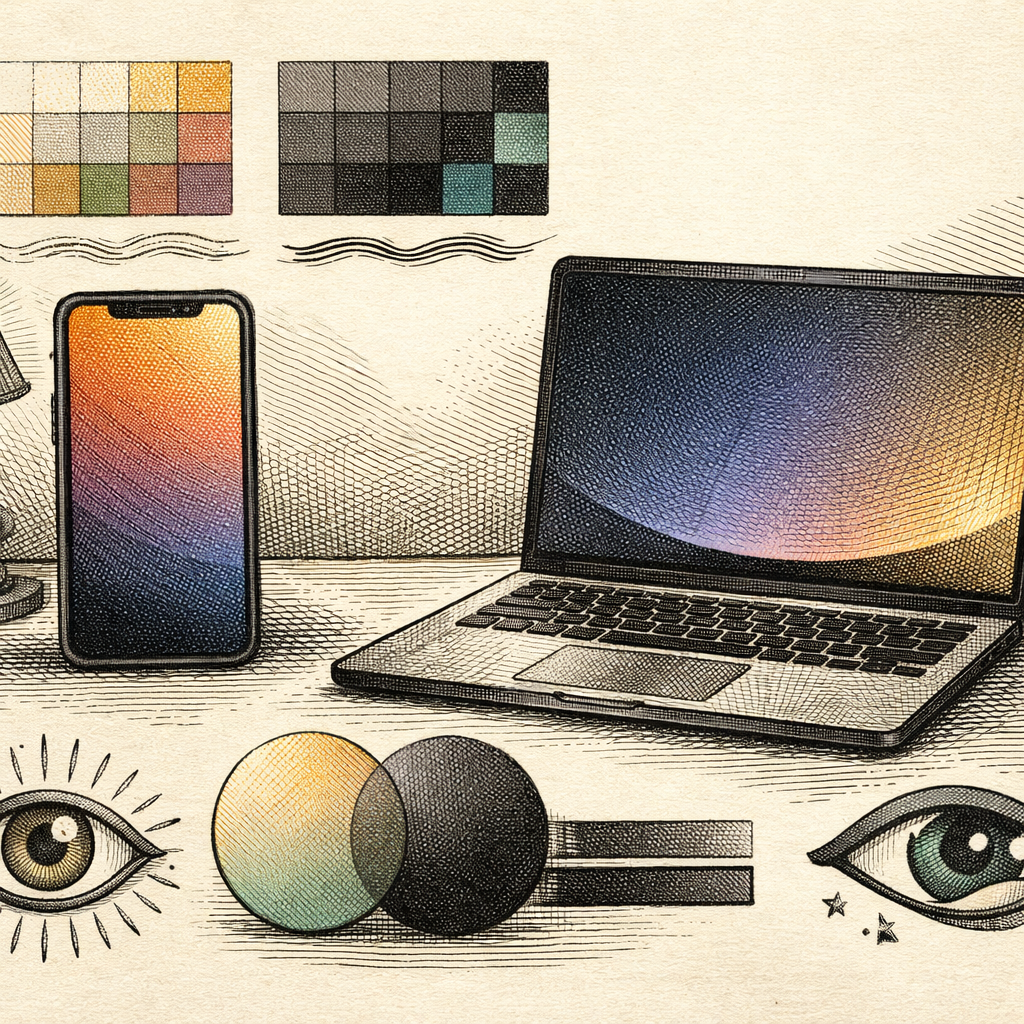
Picture this: it’s 2 AM, you’re tucked under a blanket, phone in hand, scrolling through your favorite app. Suddenly, you’re blasted by the equivalent of a thousand suns as the bright interface sears into your retinas. Enter dark mode, the caped crusader of accessible design. Dark mode is not just a trend; it’s an essential feature for user interfaces and experience (UI/UX) to ensure both comfort and style in low-light environments.
Why Go Dark?
The benefits of dark mode stretch beyond merely sparing your eyes. According to a recent survey, around 70% of users prefer dark mode when it’s available. Not only does it reduce eye strain, but it also enhances battery life on OLED screens. Plus, it just looks cool-like the sartorial equivalent of wearing sunglasses indoors.
But, designing for dark mode isn’t just about inverting colors and calling it a day. It requires finesse to maintain visual hierarchy and accessibility.
Letting Colors Shine (in the Dark)
The first rule of dark mode is contrast. You need to ensure text and elements are legible without making them pop too aggressively, like highlighter graffiti. Use the Contrast Checker to determine the perfect balance between stark and subtle. Keep in mind that colors can behave differently against a dark background; warmer colors appear more vivid, while cooler tones can recede.
To further refine your palette, the Color Palette Generator is your trusty sidekick, helping you curate harmonious shades specifically tailored for dim settings.
Typography That Speaks Volumes
Typography is another crucial element that can make or break a dark mode design. Fonts need to be crystal clear against the dark canvas, striking a balance between aesthetic appeal and readability. With the Font Pair Tester, you can experiment with different font combinations to find a match that’s not only legible but also complements your brand identity.
Gradients and Glassmorphism: Embrace the Wave
Dark mode isn’t just about flat colors. Gradients can add depth and interest, making the interface feel dynamic and engaging. With the Gradient Generator, you can create smooth transitions that enhance your design without overwhelming the user.
Furthermore, elements like glassmorphism can give a sleek and modern look to your design in dark themes. Subtle frosted-glass effects can add layers and dimensions, guiding users’ attention naturally.
Accessibility is Not Optional
While designing dark mode, accessibility must remain paramount. Consider using a Color Blindness Simulator to ensure your design works for everyone. An inclusive design approach not only widens your audience but also strengthens user trust and satisfaction.
Test, Test, and Test Again
Good design is iterative. Regularly test your dark mode theme on various devices to ensure consistency and usability. Pay attention to how different components look in simulated night settings and adjust accordingly.
By leveraging tools like the Aspect Ratio Calculator to fine-tune your layouts, you can ensure that your design stays responsive and graceful across screens.
In conclusion, mastering dark mode design is a blend of art and science, requiring creative intuition along with technical precision. Whether you’re creating interfaces for a mobile app, website, or desktop software, these tips and tools will guide you toward crafting a dark mode that’s not just a feature, but a user delight.
So why not dim the lights and explore the vast suite of design tools available on b2kit.com? Your users (and their eyeballs) will thank you.