A Gen Z Guide to Not Getting Hacked
Your Instagram got hacked because your password was 'vibes2024.' Here's the no-BS security guide for people who grew up online but never learned the rules.
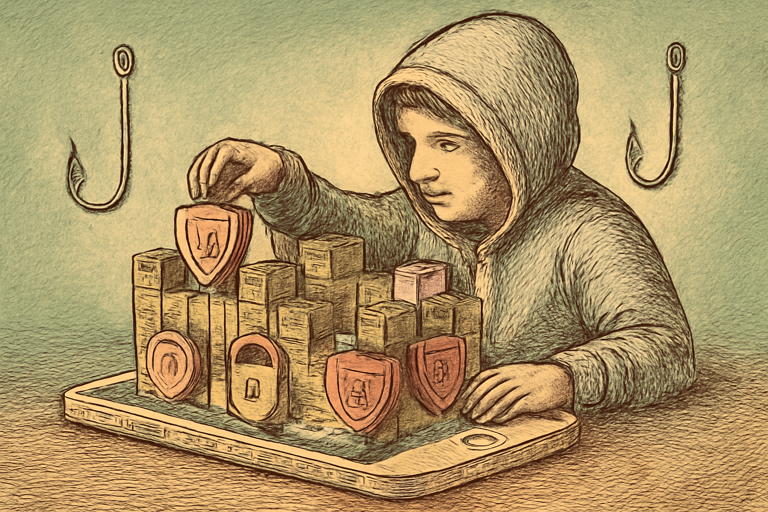
You grew up with the internet. You’ve had an online presence since before you could drive. You can navigate TikTok, Discord, Instagram, and Snapchat simultaneously while watching a YouTube video and texting.
But can you keep all of those accounts secure? Let’s find out.
The Quiz
Answer honestly:
- Do you use the same password on more than 3 sites? (+1 risk point)
- Is your password related to your birthday, pet, or school? (+1 risk point)
- Is two-factor authentication off on your main accounts? (+2 risk points)
- Have you ever logged in on someone else’s device and forgot to log out? (+1 risk point)
- Do you click links in DMs from people you don’t know? (+2 risk points)
3+ points? You’re a walking security incident. Let’s fix that.
Level 1: Passwords
Your password should not be:
- Any word in the dictionary (hackers try every word)
- Your name + numbers (brute force cracks this in minutes)
- The same on multiple sites (one breach = all breached)
Use a password generator to create actually secure passwords. Check how strong yours are with the password strength checker. If it says “cracked in 3 seconds,” it’s time for a new password.
Store everything in a password vault that encrypts locally on your device. One master password to remember. That’s it.
Level 2: Two-Factor Authentication (2FA)
2FA means even if someone steals your password, they still can’t log in without your phone. Turn it on for:
- Email (this is the master key to everything)
- Social media (Instagram, TikTok, Twitter)
- Banking and payment apps
- Cloud storage (Google Drive, iCloud)
Use authenticator apps (Google Authenticator, Authy), not SMS. SMS can be intercepted through SIM swapping. Test your setup with a 2FA tester.
Level 3: Social Engineering
The most common hack isn’t technical. It’s social engineering: someone tricks you into giving away your info.
- Phishing DMs: “OMG is this you in this video?” with a link. It’s not you. It’s a trap.
- Fake giveaways: “Send $50 to verify your account and get $500 back.” Nobody is giving you money.
- Impersonation: “Hey it’s me from a new account, I got locked out.” Verify through a different channel before trusting.
- Fake login pages: The URL looks almost right but not quite. Check the domain carefully.
Level 4: Privacy
- Don’t share your location in real-time. Posting “at Starbucks on Main St right now” tells everyone exactly where you are.
- Private accounts by default. Unless you’re building a public brand, keep your profiles private.
- Be careful with face filters and quizzes. Those “what character are you” quizzes often harvest your data. Face filters can train facial recognition models.
- Encrypt sensitive messages. Use the text encryption tool for anything you really don’t want others to read.
The Minimum Security Stack
- Unique password per account (use a password generator)
- Password vault for storage
- 2FA on email and socials
- Don’t click suspicious links
- Private accounts unless intentionally public
This takes about 30 minutes to set up and protects you from 95% of common attacks. The other 5% requires someone to specifically target you, and honestly, they’re probably not going to.
Unless your TikTok goes viral for the wrong reasons. Then all bets are off.