Things AI Can't Do (That These Browser Tools Can)
AI is amazing at generating text. It's terrible at processing your files, accessing your clipboard, playing audio, and doing real-time visual work. Here's the gap.
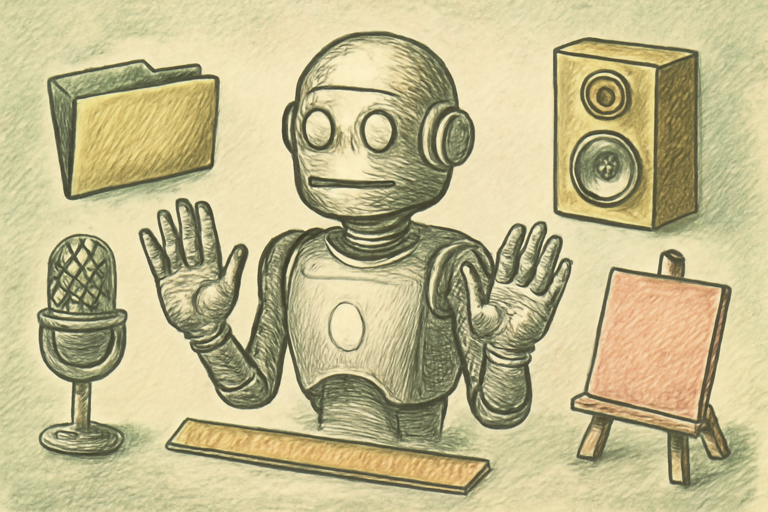
AI is incredible at a lot of things. Ask it to write, summarize, translate, or explain, and it delivers. But there’s a whole category of tasks where AI simply can’t help you, because those tasks require things AI doesn’t have: access to your hardware, real-time interaction, persistent local storage, or sensory output.
These are the tasks where browser-based tools fill the gap.
AI Can’t Access Your Microphone
Want to convert speech to text? AI chatbots can’t listen to you in real-time. But a speech-to-text transcriber uses your browser’s Web Speech API to capture audio from your microphone and transcribe it live. The audio never leaves your device.
AI Can’t Play Audio
Ask AI to read something aloud and it’ll give you text about how to use text-to-speech tools. It can’t actually produce sound. The text-to-speech player uses your browser’s speech synthesis to read any text aloud with adjustable voice, speed, and pitch. Useful for proofreading, accessibility, or just resting your eyes.
AI Can’t Play Ambient Sounds
“Play rain sounds for focus” gets you a text description of rain. The focus timer with ambient sounds actually plays rain, cafe noise, or forest sounds through your speakers while tracking your focus sessions. AI can’t produce audio. Period.
AI Can’t Store Your Passwords Securely
You can ask AI to generate a password (and it will), but where do you store it? Not in the chat. A password vault encrypts your passwords with AES-256 using a master key, all stored locally in your browser. Zero servers. Zero data transmission. AI can’t provide persistent, encrypted local storage.
AI Can’t Be Your Kanban Board
AI can suggest how to organize tasks. But it can’t give you a drag-and-drop interface that persists across sessions. A kanban board lets you create cards, drag them between columns, and saves everything to localStorage. It’s interactive state management that AI fundamentally can’t replicate in a chat interface.
AI Can’t Measure Your Screen
“How many pixels wide is this element?” AI has no idea. It can’t see your screen. The screen ruler gives you a draggable, resizable ruler overlay that measures anything on your display in real pixels.
AI Can’t Track Your Clipboard
AI can’t access your system clipboard or maintain a history of what you’ve copied. The clipboard history manager tracks your copy operations in-session, letting you search and re-copy previous items.
AI Can’t Hide Data in Images
This one’s fun: the steganography tool hides secret text messages inside images using least-significant-bit encoding. The image looks identical to the naked eye, but the message is embedded in the pixel data. AI can’t do pixel-level image manipulation in real-time.
The Complementary Relationship
AI and browser tools aren’t competing. They’re complementary:
- AI excels at: text generation, translation, summarization, code writing, Q&A, analysis
- Browser tools excel at: file processing, hardware access, real-time interaction, persistent storage, visual manipulation, audio I/O
The smartest approach is using both. Ask AI to help you think through a problem. Use browser tools to execute the solution. That’s the 2026 workflow.
Why This Matters
As AI gets more capable, it’s tempting to think it can do everything. It can’t. And recognizing the boundary between “what AI handles” and “what needs a real tool” saves you time and frustration.
The tasks in this article require browser APIs, local storage, hardware access, or real-time interactivity. These aren’t AI limitations that will be “fixed soon.” They’re architectural differences. And browser tools handle them perfectly.